Honey Tree RNG
Last updated: 2026-05-31 UTCNote
This guide is interactive and updates instructions based on your settings!
Set up
Find your seed
Find your target
Get your tree
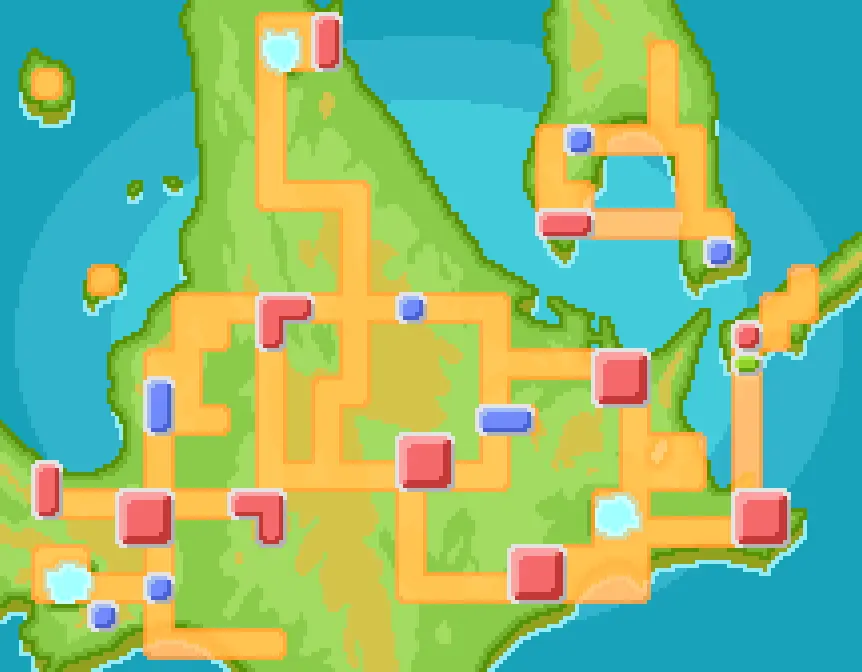
Find your Munchlax trees
- Enter your TID/SID to find your Munchlax trees. (Use our TID/SID guide to find it!)
- Click the tree you want to RNG.
Floaroma Meadow
Warning
Do not use the same tree twice in a row. The RNG will be messed up unless you apply honey to a different tree first.
Prepare your save
- Have at least one Chatot in your party.
- Get the Coin Toss app on your Poketch.
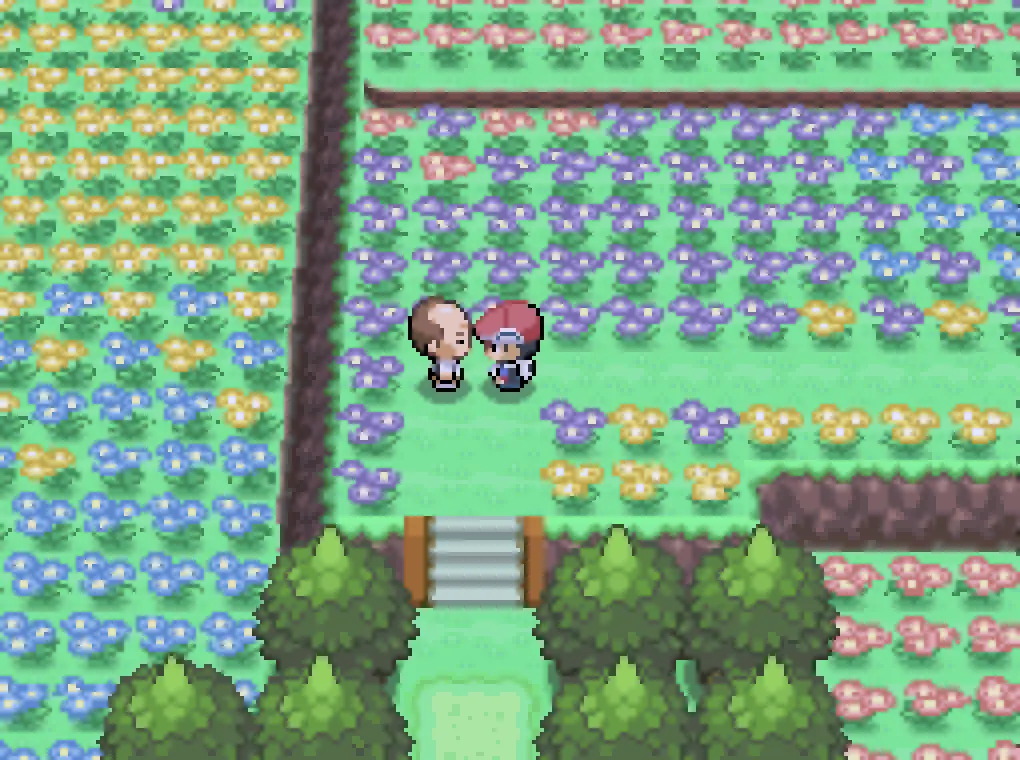
- Buy honey from the Floaroma Honey Merchant.
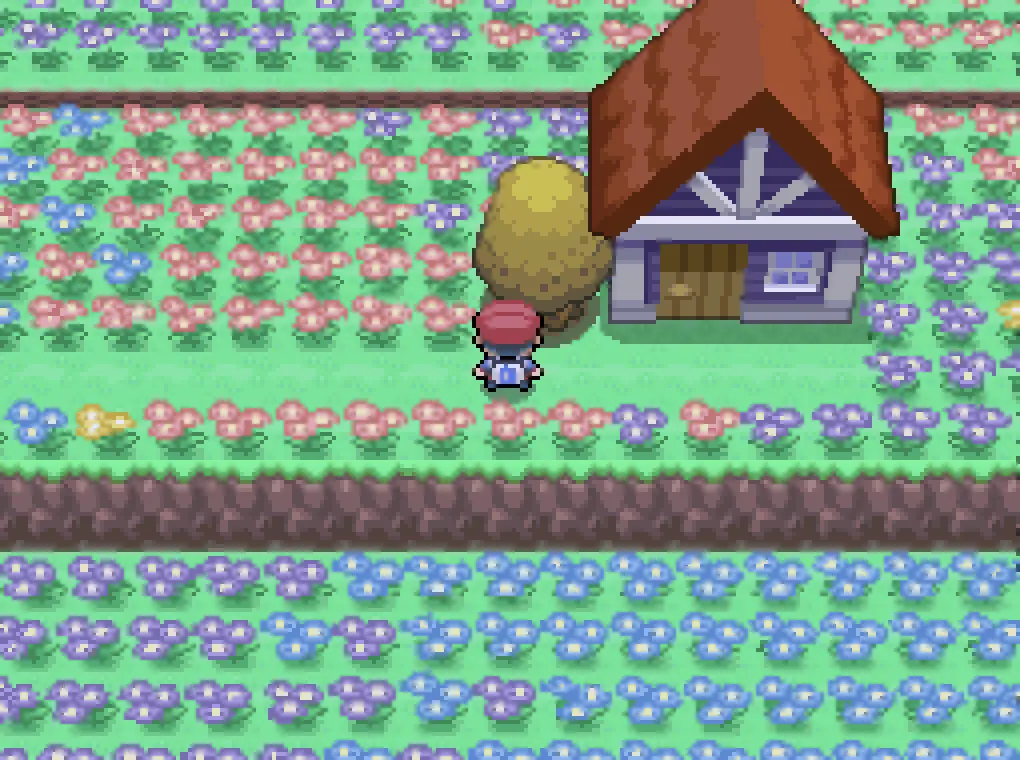
- Save in front of your target tree. If your tree has rain, save in the nearest town instead.
| Honey Merchant | Floaroma Meadow Tree |
|---|---|
 |  |
Find your seed
- Restart the game, and enter the date, time, and approximate second when you loaded the save.
- ~15 seconds after launch on NDS
- ~20 seconds with TwilightMenu
- ~30 seconds using a 3DS launcher
- Click "Generate" to get a list of possible seeds.
- Use the Coin Toss Poketch app and click the "Heads" and "Tails" buttons to narrow down your seed.
- Once a single seed remains, click "Select".
Tip
If you don't find your seed, increase your delay and second ranges!
Find your target
- Select the Pokémon you want to find.
- Press "Generate" to see a list of possible encounters.
- Click "Select" on your desired encounter.
Freeze NPC movement
Some NPCs that move around advance the RNG. We need to stop them from moving.Note
This tree has no NPCs! You can skip to the next step.
Get your tree
- Stand in front of your tree.
- Click "Generate" to view a list of RNG advances and their corresponding Chatter pitches.
- View your Chatot's summary to hear the Chatter sound.
- Click "Low", "Medium", or "High" based on the pitch of the Chatter to filter which RNG advance you are currently at.
- Repeat steps 3 and 4 until you reach the target. Stop 1 before your target.
Tip
If the RNG advances past your target, go back to the previous step and find a new target with a higher minimum advance!
If you can't find your advance, increase the min and max advances and regenerate sounds.
If you can't find your advance, increase the min and max advances and regenerate sounds.
Check the tree
- Close the party and put honey on the tree.
- Do not change your console's date or time or use another console for 6 hours! Both will cause a time penalty.
- Wait 6 hours for the Pokémon to appear, then check the tree!
- If you got the Pokémon you wanted, restart and save again before attempting to make it shiny, or you'll lose the tree and have to start over.
Credits
- Thanks to all Pret contributors for their research on the Honey Tree mechanics.
- Dragonfly Cave for additional Honey Tree information.
- Zaksabeast for writing this tool and guide.