Cute Charm & TID/SID RNG
Last updated: 2026-09-19 UTCVideo Guide
Cute Charm and TID/SID
3DS RNG
Written Guide
Note
This guide is interactive and updates instructions based on your settings!
Set up
Pick a TID
Hit Target
Calibrate
Set up
Choose the game and console you're playing below then continue to the next step.Diamond
Pick a TID
Fill out the tool below. If you want random max shiny odds during your playthrough, leave the default settings.0%
Prepare
- Set your console date to Unknown date.
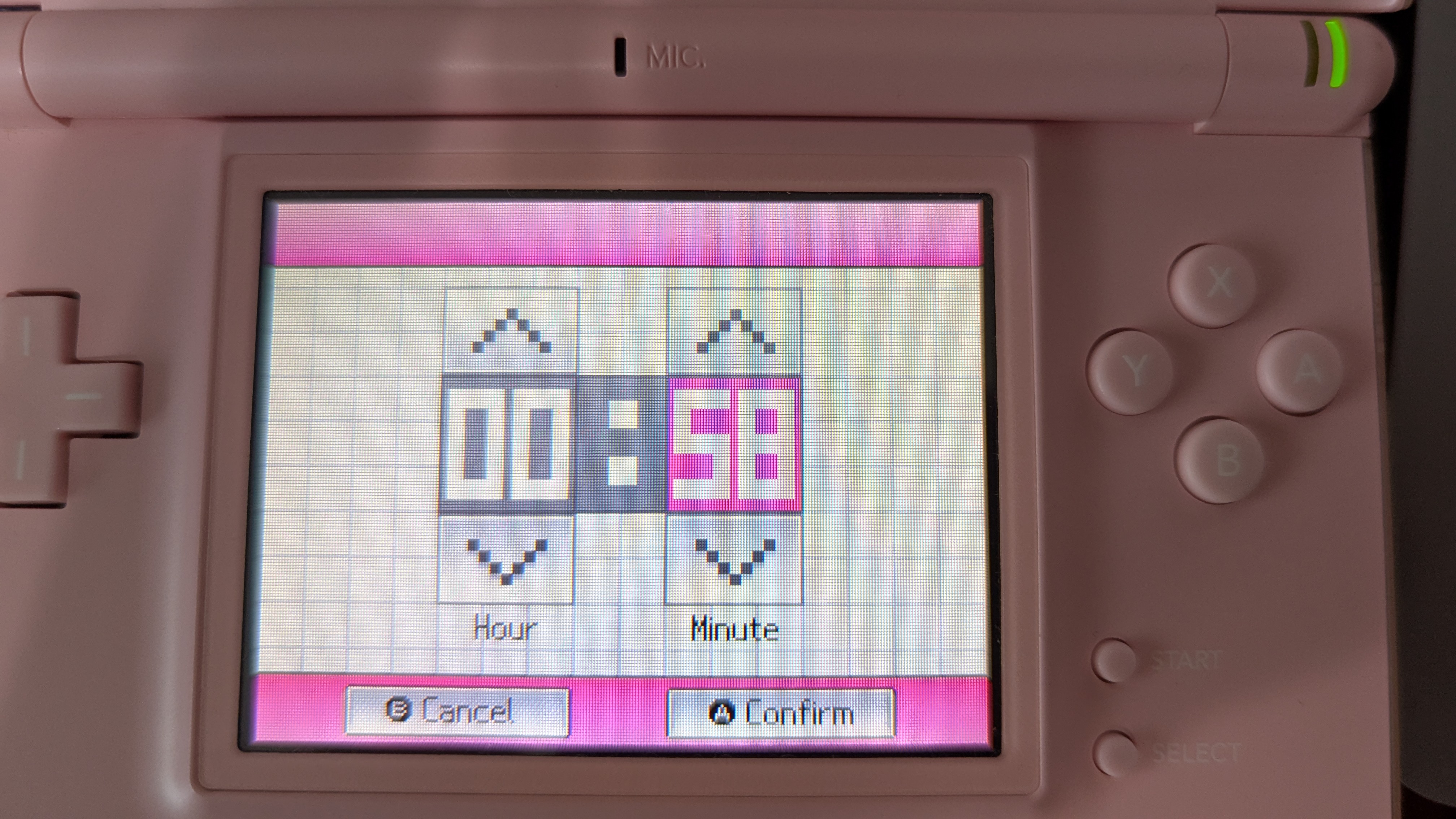
- Start setting your console time to Unknown time, but don't confirm it just yet.
| Confirm time screen |
|---|
 |
Hit your target
- Simultaneously press A to set the console time and start the timer below.
- Exit the settings on your console and restart your console.
- When the first timer ends, press A to start the game.
- Get to the naming screen. Make sure to name your character the same way each time.
- If you've flipped your delay while calibrating, switch between upper and lower case characters one extra time. Japanese games should switch between Hiragana and Katakana. You need to do this every time.
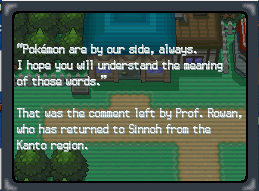
- Get to the last screen before the TID is generated (see screenshot below). Wait for the second timer to go off and press A at the same time.
- Continue to the next step to check what TID you hit.
Tip
If you don't have enough time to reach the last screen before the timer goes off, go to the previous step and search for a TID with a higher "Max Delay" to give more time.
| Diamond & Pearl | Platinum | HeartGold & SoulSilver |
|---|---|---|
 |  |  |
Timer
Calibrate
- Open your trainer card and check your TID.
- Type your TID into the box below and click "Generate".
- Click "Calibrate" on the TID with the smallest delay offset (should be the first result).
- If the "Flip Delay" column is checked, you'll need to swap between the player name characters one extra time, e.g. lower to upper case. Japanese games will need to switch to a different kana, eg. from Hiragana to Katakana. If you've flipped the delay, you need to keep flipping it every time.
- Try to hit your target again. This can take multiple attempts.
Warning
Write down your TID and SID! Both are needed to RNG shiny Pokemon!
Your TID and SID: ??? / ???
Credits
- Zaksabeast for writing this tool
- Thanks to all PokeFinder contributors, whose work this tool is built upon.
- Chinese translation: xuanyelin, Hakuhiro.