Legend, Gift, and Fossil RNG
Last updated: 2026-09-19 UTCNote
This guide is interactive and updates instructions based on your settings!
Set up
Pick a Pokémon
Hit your seed
Get the Pokémon
Calibrate
Set up
Choose the game and console you're playing below then continue to the next step.Diamond
Pick a Pokémon
- Fill out the tool below to find a Pokémon that suits you.
- If you can't find a Pokémon you like, you can increase the min and max delays. This will increase the time to get the Pokémon.
0%
Prepare the save
- If you're on Platinum, set your console date to 12/31/2099 on NDS or 12/31/2050 on 3DS.
-
Your party should have:
- At least one Chatot with Chatter (two is optimal).
- A lead Pokémon without sync or cute charm.
- Switch your Poketch to the Coin Flip app.
- Save in front of the Pokémon you want to RNG.
Prepare the console
- Set your console date to Unknown date.
- Start setting your console time to Unknown time, but don't confirm it just yet.
| Confirm time screen |
|---|
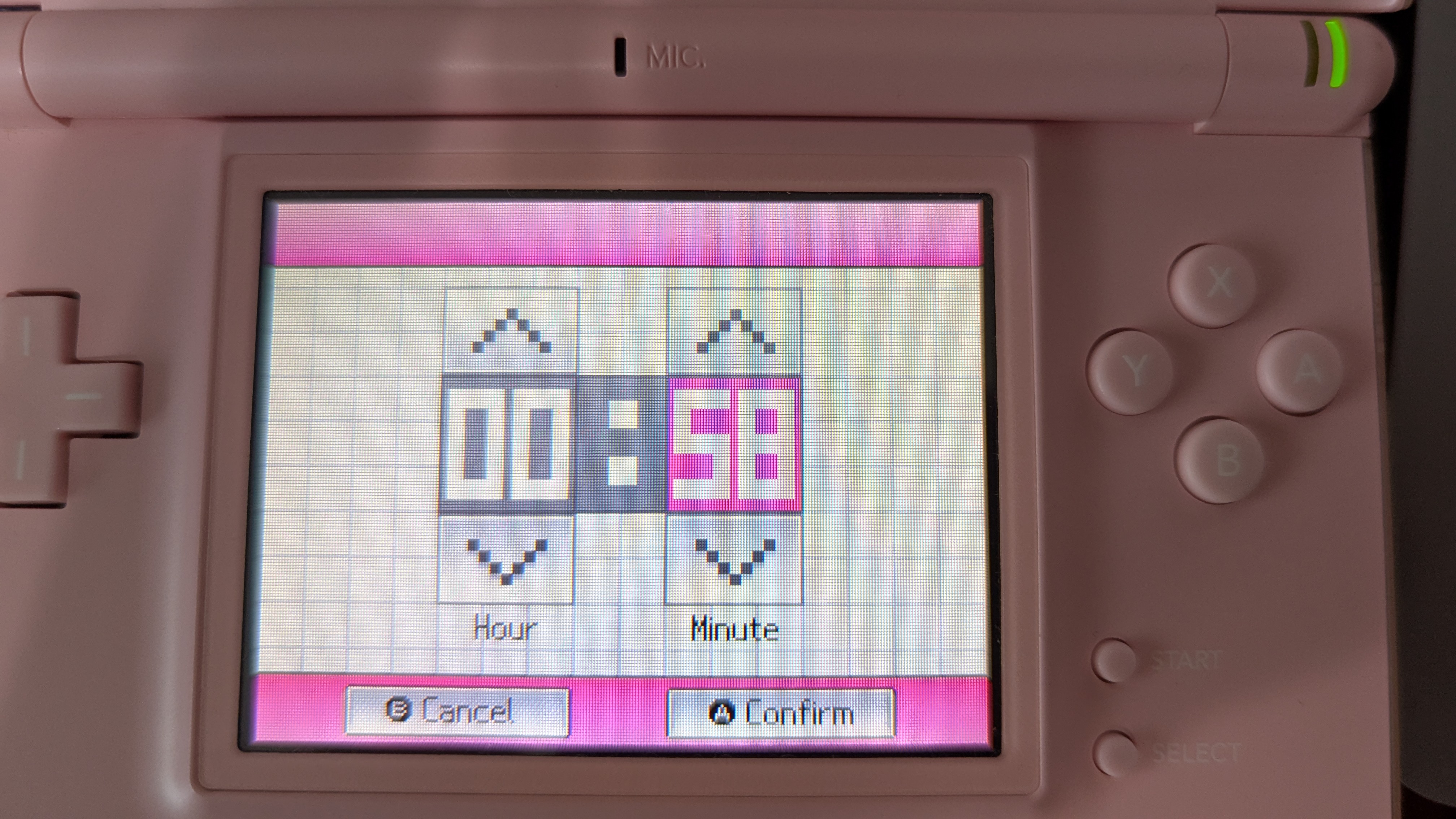 |
Hit your seed
- Simultaneously press A to set the console time and start the timer below.
- Exit the settings on your console and restart your console.
- When the first timer ends, press A to start the game.
- Get to the screen where you load your save.
- Immediately press A when the second timer to goes off.
Tip
If you don't have enough time to hit your seed, go back to the previous step and search for a Pokémon with a higher "Max Delay".
Calibrate the seed
- Click "Generate" below to generate a list of possible seeds you hit.
- Flip the coin in the Poketch and click the heads or tails buttons below to filter results.
- If you have one result left and it isn't your target seed, click "Calibrate".
- Try to hit your target again.
- If the "Flip Delay" column is checked for the Pokémon you hit, take one of these actions:
- For Any game, insert a GBA cart
- For HeartGold and SoulSilver, use the touch screen to press the down and up arrows on the continue screen.
- For Diamond, Pearl, and Platinum, click "New Game", then press B to return to the continue screen.
- If you've flipped the delay, you need to keep flipping it every time.
Tip
If you don't see your seed, increase the delay and second offsets and try again.
Get your Pokémon
Follow these steps once you've hit your target seed.- Immediately open your party menu as fast as possible when the save loads.
- Open Chatot's summary screen ??? times to advance the RNG. Verify the Chatter pitches below.
- Exit the party and catch or receive your target Pokémon.
Calibrate Advances
Use this if you didn't get your Pokémon after advancing the correct number of times and verifying Chatter pitches.- Check your Pokémon stats.
- Fill out the form below with the stats of the Pokémon you caught and click "Generate".
- Click "Calibrate Advance" to adjust your Chatot summary count, or use the "Calibrate Timer" to adjust your seed timing.
- Try to hit your target again.
Note
If you flipped the delay while calibrating your seed, you need to keep flipping it every time.
Tip
If you can't find the Pokémon you hit, increase the advance range, delay range, and/or seconds range in the calibrator to expand your search.
0%
Credits
- Sorendog and Zaksabeast for writing this tool.
- Thanks to all PokeFinder contributors, whose work this tool is built upon.
- Bilbo and Fiask for helping test this tool and providing feedback.