Shiny Starter
Last updated: 2026-09-03 UTCStrategy Overview
When creating a new savefile, your SID depends on your randomly generated TID and the timing of pressing A on a specific text. Considering those 2 variables, a list of possible SIDs will be generated. Only one of them is your actual SID. To identify it, receive your starter Pokémon on an advance that should produce a shiny Pokémon. If the starter is shiny, the SID you tested is correct.Steps Overview
- Step 1: Generate your TID with a specific timing.
- Step 2: Test each possible SID by attempting to obtain a shiny starter.
Generate your TID
Determine the correct SID
Generate your TID
- On the title screen, go to Options and set the text speed to Fast.
- Select New Game, type your name and move the cursor over the OK button.
- Start the TID/SID timer on the tool below.
- Precisely when the first timer reaches 0, press A to confirm your name.
- Continue the dialogue until the message Well, I'll be expecting you later. Come see me in my POKEMON LAB..
- Precisely when the second timer reaches 0, press A.
- Check the TID generated on your trainer card (shown as "IDNo.").
- Fill the "Obtained TID" field on the tool below and click "Evaluate obtained TID".
- Follow the Recommendation below the list which states to either start over Step 1 to generate a TID that will be faster to validate, or go to Step 2 with your TID.
| Wait at this screen | Trainer card |
|---|---|
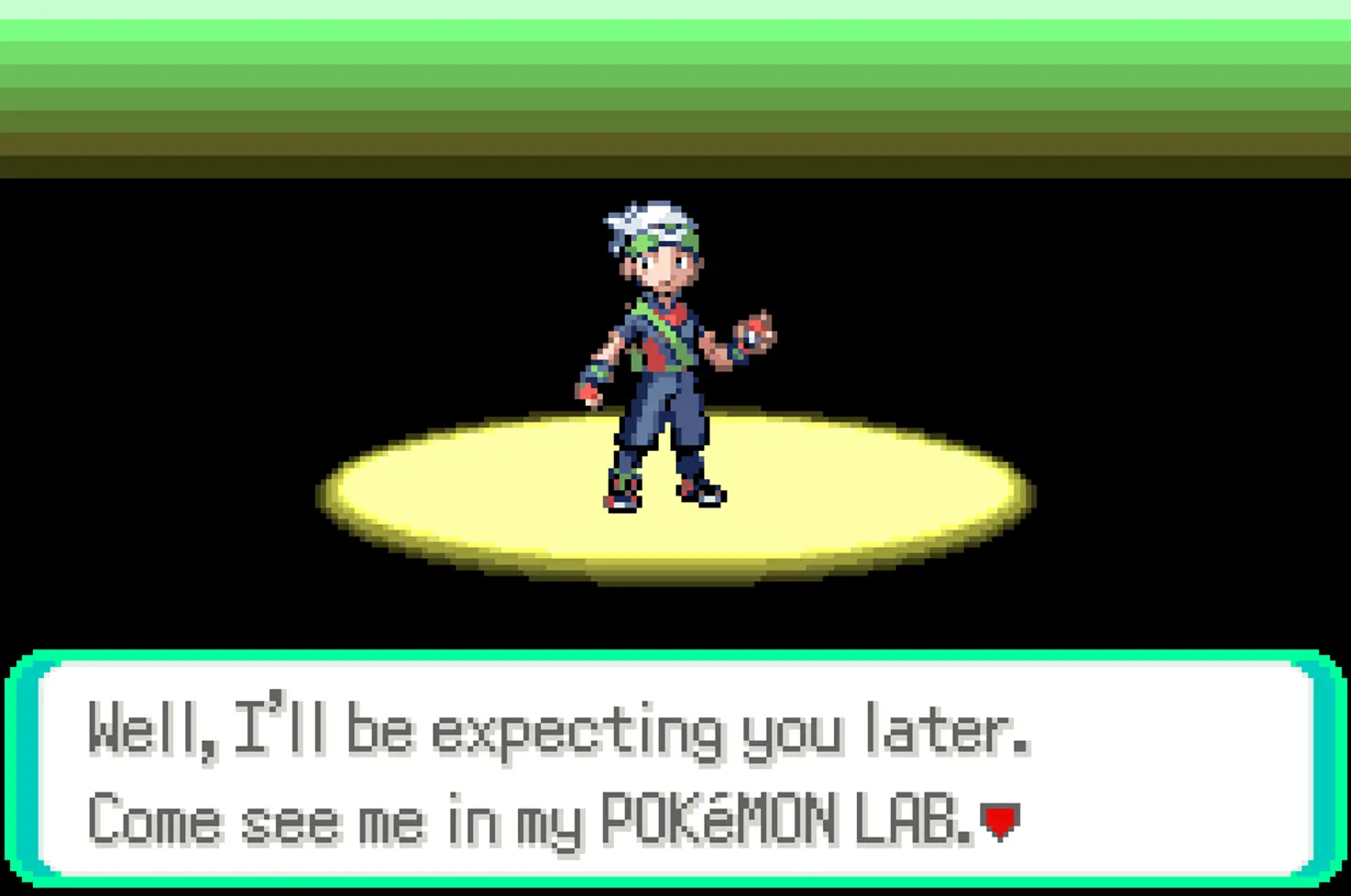 | 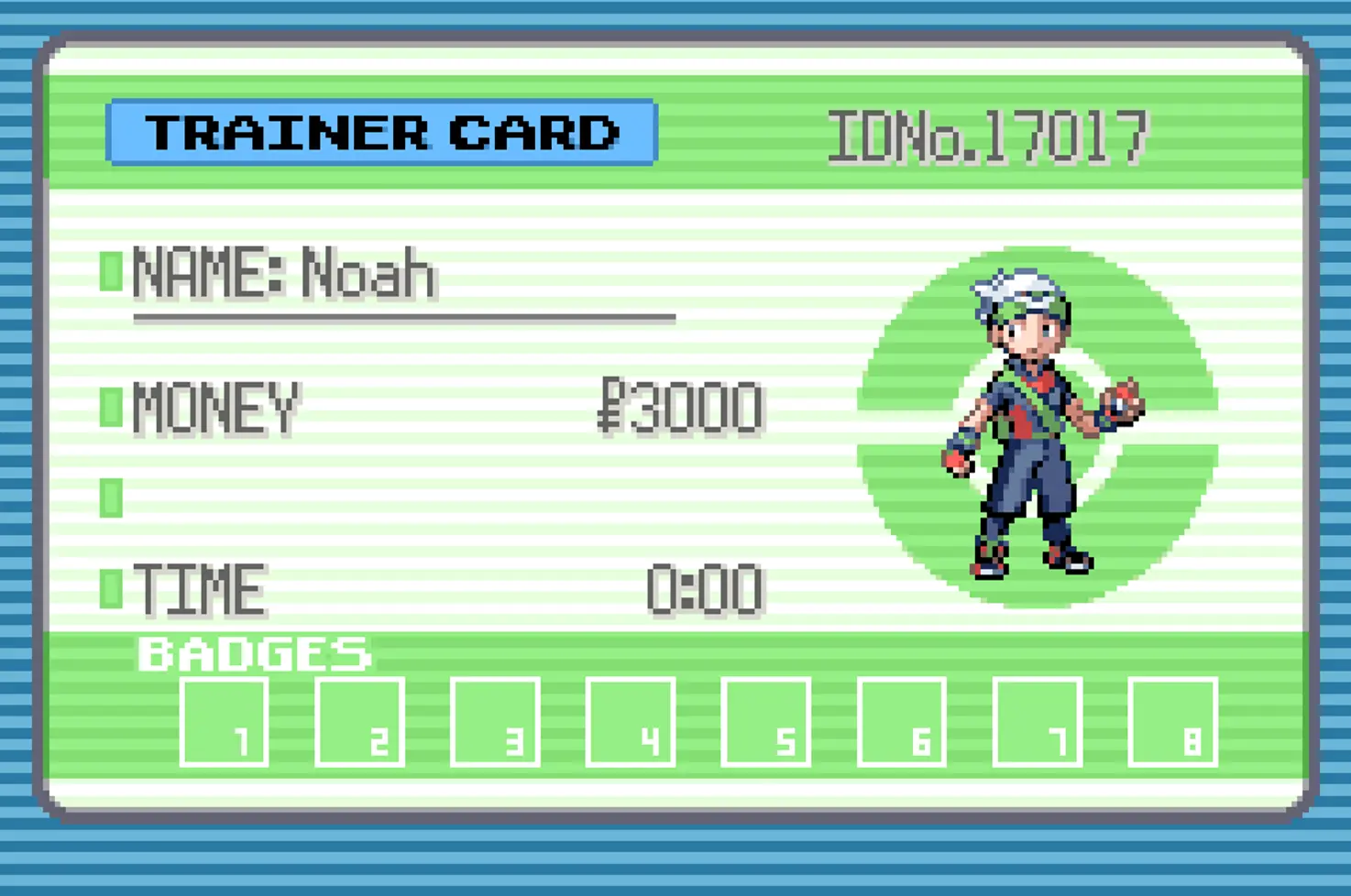 |
Setup
GBA
50
Result
Determine the correct SID
Summary: For each possible SID for your obtained TID, obtain a starter Pokémon that results in a shiny Pokémon, if the SID is the correct one.- Save the game in front of the starter Pokémon bag.
- In the tool below, click "Select" next to the first possible SID you haven't tried yet.
- Start the timer.
- Precisely when the first timer reaches 0, press Start + Select + A + B simultaneously to reset the game.
- Quickly open the bag to avoid unwanted advances from wandering NPCs.
- Select your starter and wait with the confirmation message Do you choose this POKEMON? displayed.
- Precisely when the second timer reaches 0, press A to choose your starter.
- Complete the battle and examine your starter Pokémon.
- If it's shiny, congratulations! The selected SID is the SID of your savefile.
- If it's not shiny, fill the species, gender, nature, and stats in the form below, then click "Find advances matching caught starter Pokémon".
- If no results are shown, an input field is incorrect.
- If the first row contains shiny information but the Pokémon you got is not shiny, then the currently tested SID is incorrect. Cross out that incorrect SID and select the next SID in the list of possible SIDs.
- If the first row doesn't contain shiny information, this means you didn't hit the target advance. Click on the "Update Calibration" button and start over Step 2 with the same SID.
| Save location | Wait at this screen |
|---|---|
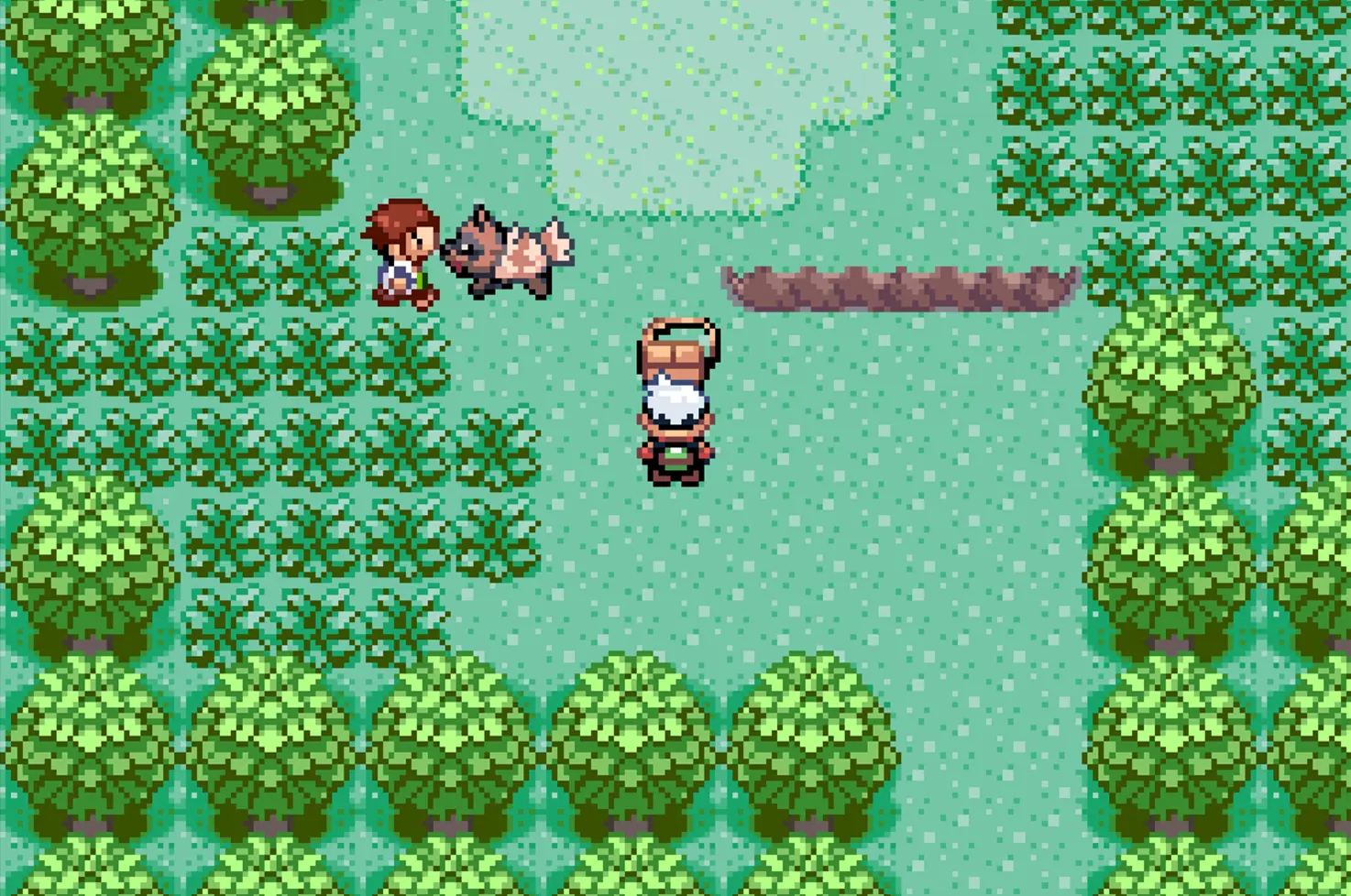 | 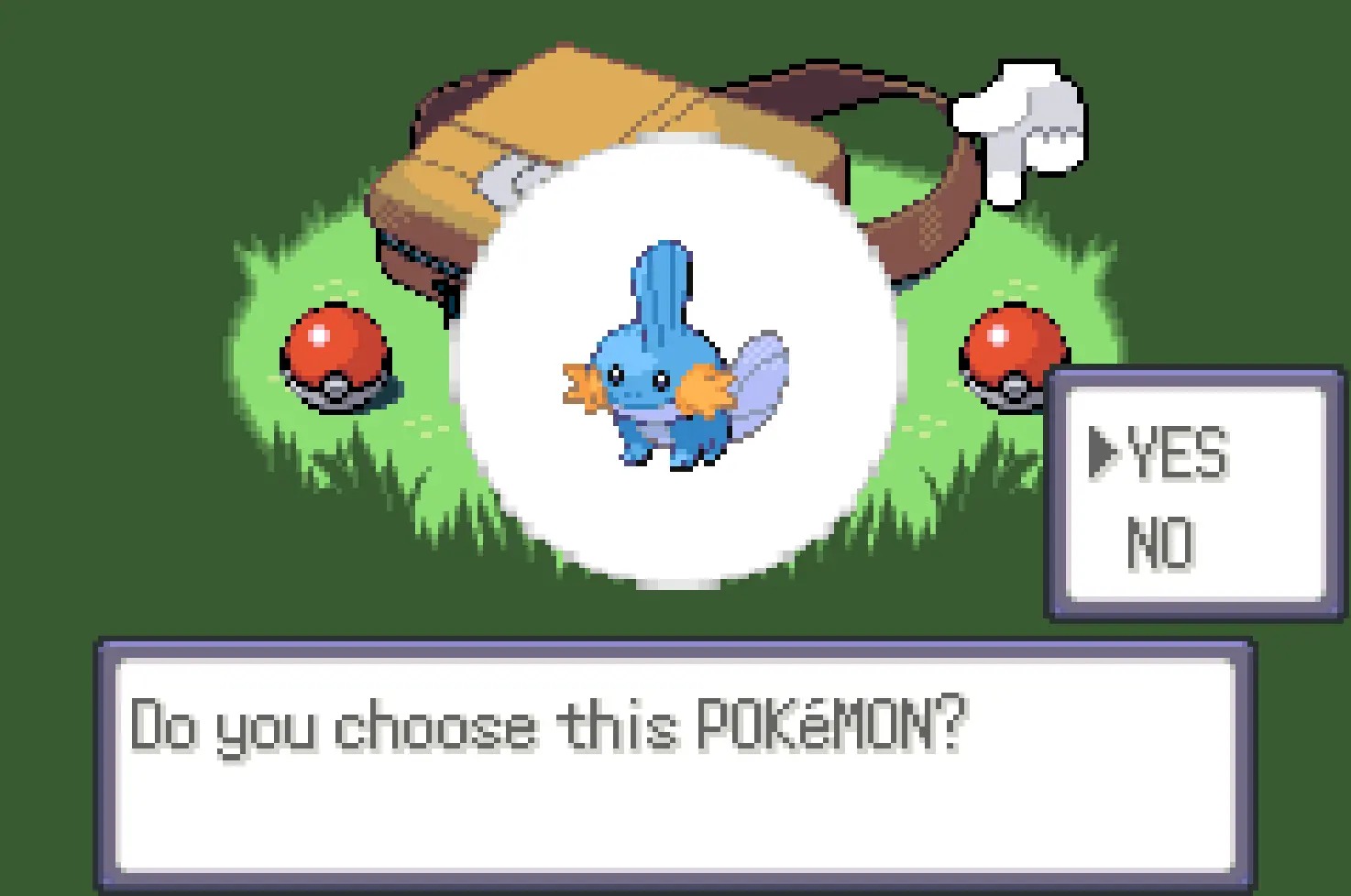 |
Credits
- Guide and interactive tool: RainingChain.
- Gen3 static generator tool: EzPz.
- Chinese translation: xuanyelin, Hakuhiro.
- German translation: Parasite.
- Screenshots: Fiask.